
How it works
How LaunchSite OS works, from check-in to plan.
Invite a client, assign their program, and collect a check-in. Review the record, adjust the coaching plan, and keep the client’s next steps connected to the information they reported.
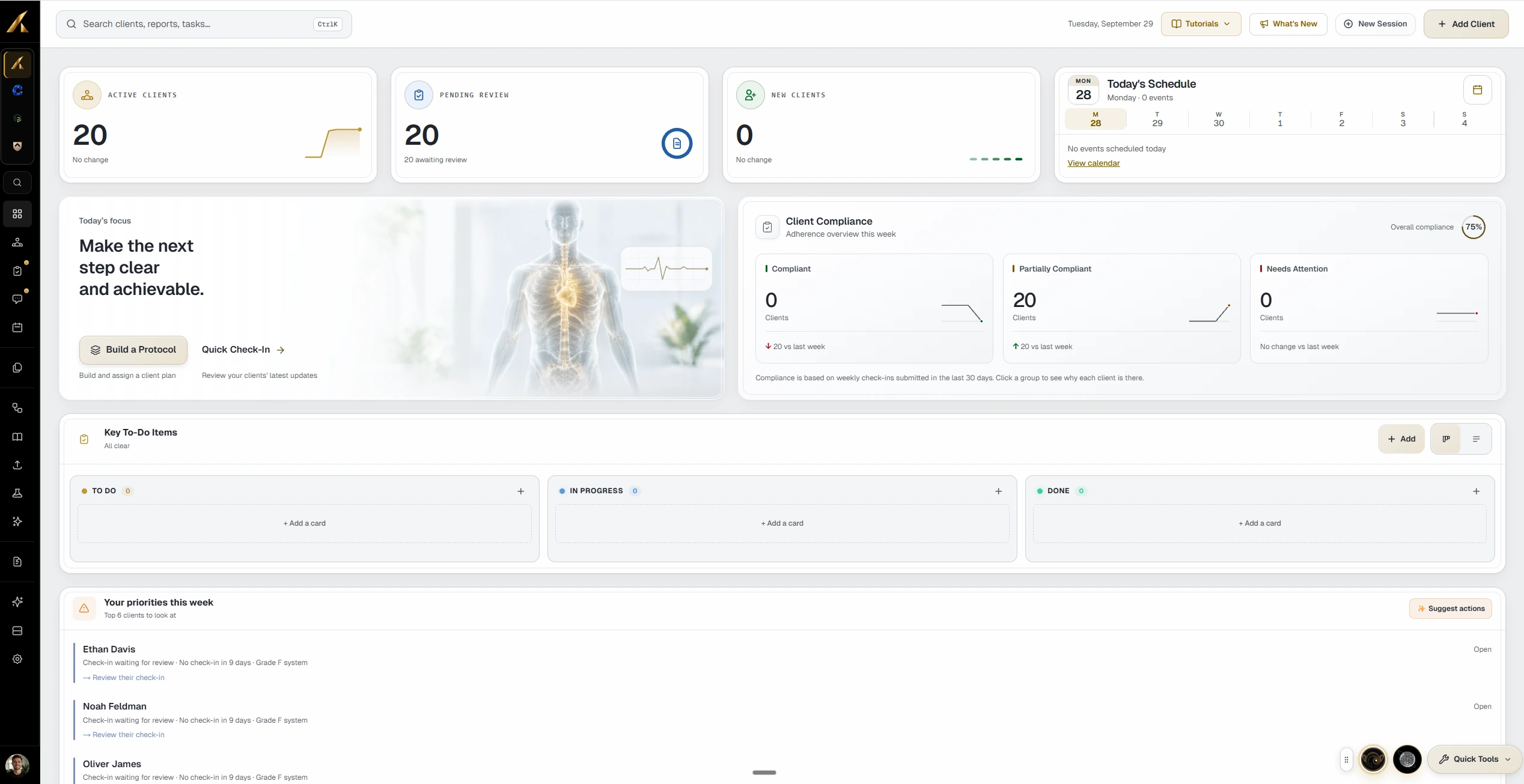
The loop
Four moves, on repeat.
Nothing here is a one-time setup step. This is the cycle a coaching practice runs every week, and the platform is shaped around it.
- 01Input: the client reports through a check-in you designed, and logs the work as they do it
- 02Analysis: the record updates itself, and the systems view shows what moved and what did not
- 03Protocol: you adjust training, nutrition, supplements, or habits from what you just read
- 04Execution: the client opens the app and today already reflects the change
Input
The week starts with what the client tells you.
Clients complete the questions you choose on the schedule you configure. Structured responses let you compare recorded information across check-ins while keeping their written context alongside the numbers.
- 01Weight, energy, sleep, and stress on simple controls
- 02Daily logging feeds the same record as the weekly check-in
- 03Streaks make consistency visible to the client too

Analysis
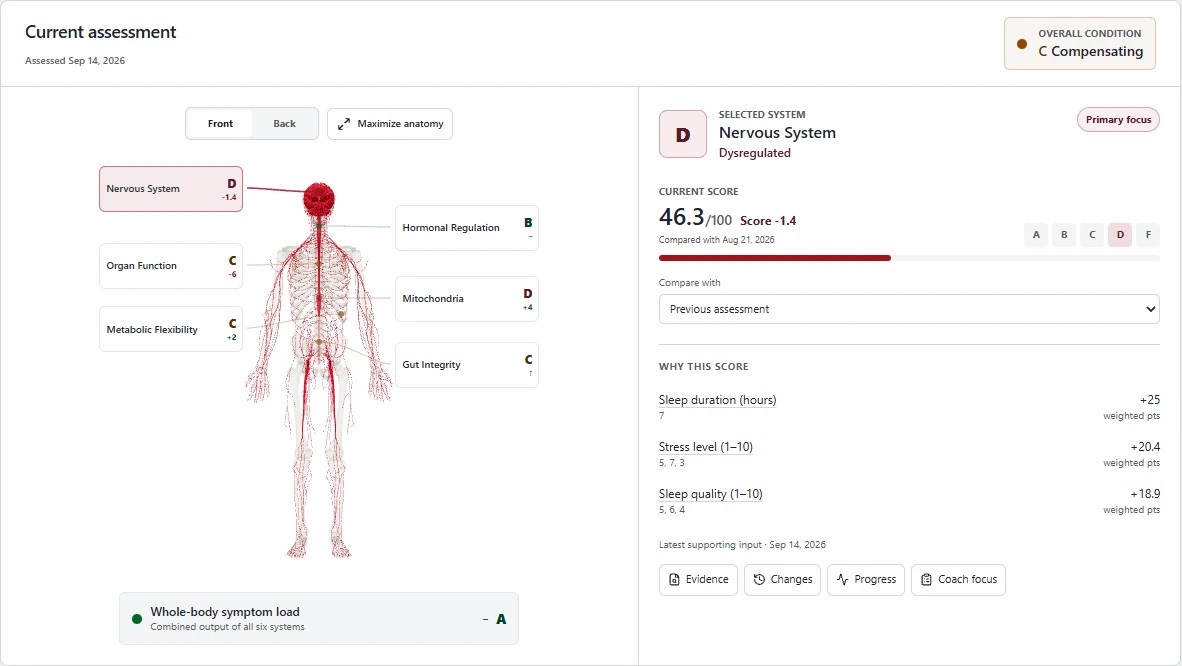
The record assembles itself before you open it.
Grades, trends, and the signals behind them update as the data lands. You start the review from an assembled picture rather than from a stack of raw submissions.
- 01Every system carries its own grade and direction
- 02The lowest-scoring system is surfaced as the focus
- 03Each grade links back to the inputs that produced it
Protocol
Phase detection suggests.You decide.
Move the example inputs and watch the recommendation change. In your practice, phase suggestions use recorded information and configured requirements to support a review; they do not establish a client’s medical readiness.
Suggested phase
GrowthCapacity is available. Add load progressively while keeping recovery and adherence where they are.
- Restoration
- Stabilization
- Growth
Illustrative model shown for explanation. Phase suggestions are not a diagnosis, and coaches control phase settings and the workflows they configure to change a phase.
Execution
The change reaches the client the same day.
You adjust the plan and their tomorrow reflects it. No export, no re-send, no version of the plan that is now out of date sitting in their downloads folder.
- 01One current assignment, never a trail of old documents
- 02Today rebuilds from the plan you just changed
- 03Completion returns to the record you review from
What closing the loop buys you
Less reconstruction.More coaching.
Most of the admin in a coaching week is rebuilding context that already existed somewhere. This removes the rebuilding, not the judgment.
- 01No re-keying between the check-in, the record, and the plan
- 02No second copy of the plan to keep in sync
- 03Decisions keep the reasoning that produced them
- 04Configured follow-ups run with the actions and review settings you selected
- 05History survives phase changes and plan rewrites
Good to know
Your first coaching workflow
What should I set up first?
Do I need to use every feature immediately?
Your practice, operating clearly
Run one client through the whole loop this week.
Fourteen day free trial. Guided setup. Your methodology, your brand.